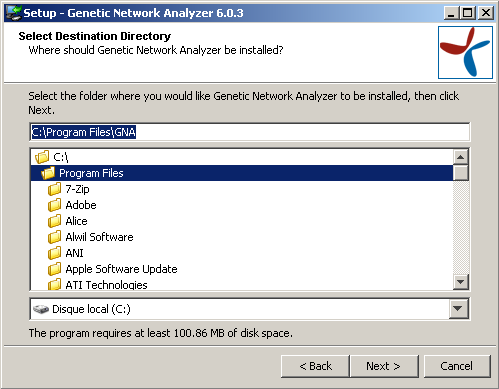
At this stage, you must choose the directory in which GNA will be
installed. The default value depends of the target platform. On Windows
XP, this will typically be C:\Program Files\GNA.
The directory will be automatically created by the installation process.
You must therefore indicate a directory not existing already and which
you are authorised to create.