Table of Contents
GNA must be installed on a disk of sufficient size and accessible
for reading by all users (e.g. in the directory C:\Program
Files\GNA). Before starting the installation, the archive
corresponding to the target platform (Linux, Windows or MacOS) needs to
be downloaded from the GNA web site. For Linux and Windows, it is
possible to install GNA with a bundled JRE (Java
Runtime Environment), in case Java has not been installed already. In
addition, a thirdparty directory is available
containing optional tools in the public domain.
A few seconds after launching the appropriate script, the GNA installer appears on the screen.
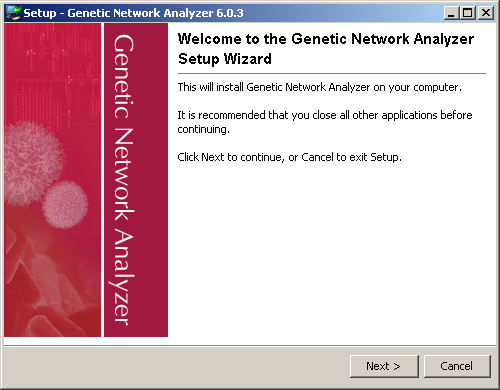
It is possible to cancel the installation at any time by clicking on the button.
Click on to continue the installation.